In today’s fast-changing world, digital skills have become one of the most valuable assets anyone can possess. Whether you want to switch careers, start freelancing, earn extra income, or simply future-proof your job, learning digital skills from the comfort of your home is now easier than ever.
You don’t need expensive degrees, fancy equipment, or even prior experience. With a laptop, internet connection, and consistent effort, you can master high-demand skills like digital marketing, coding, graphic design, video editing, data analysis, and AI tools — all from home.
Here’s a practical, step-by-step guide to help you get started and stay on track in 2026.
Why Learning Digital Skills from Home is a Smart Move
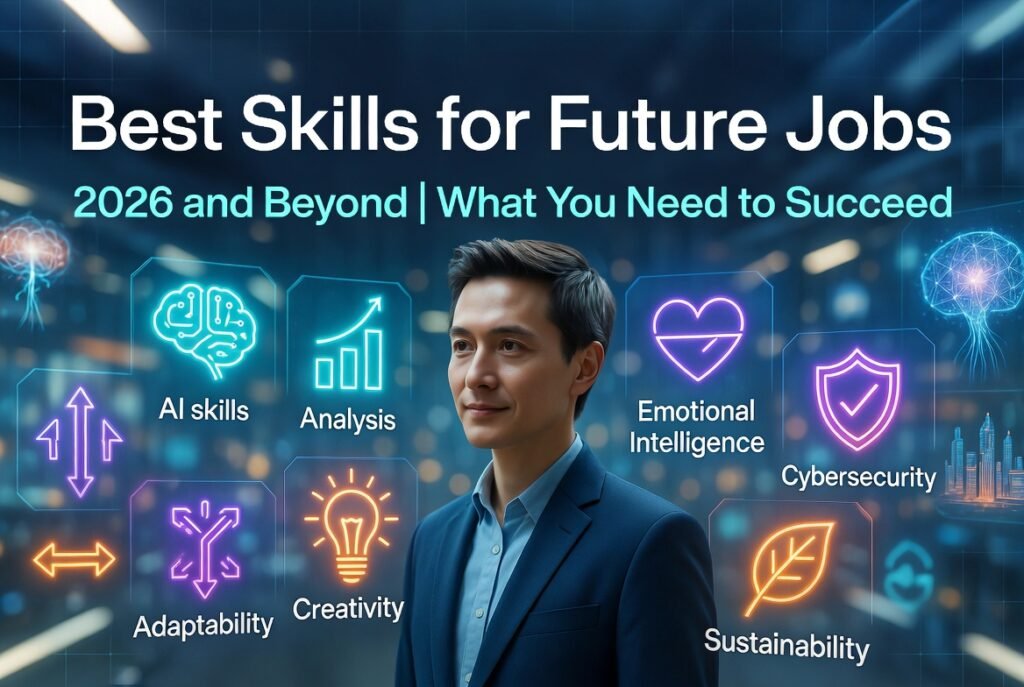
The demand for digital talent continues to grow rapidly. Skills in Artificial Intelligence (AI), data analytics, cloud computing, cybersecurity, digital marketing, and content creation are among the most sought-after in 2026. Many companies now offer remote or hybrid roles, and freelancing platforms like Upwork, Fiverr, and Freelancer are full of opportunities for skilled individuals.
The best part? You can learn at your own pace without quitting your current job or spending thousands on traditional education. Many successful freelancers and remote workers started exactly where you are — from their bedroom or living room.
Step 1: Choose the Right Digital Skill for You
Don’t try to learn everything at once. Start with one skill that matches your interest, strengths, and goals.
Here are some of the most in-demand digital skills you can learn from home in 2026:
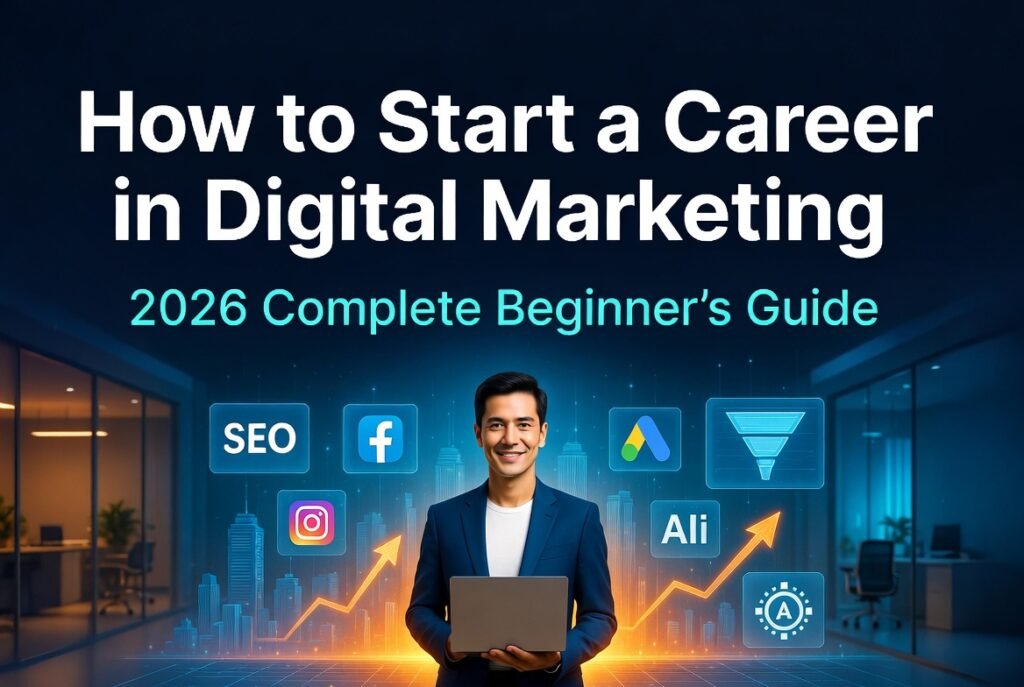
- Digital Marketing (SEO, social media, email marketing, Google Ads)
- Coding / Programming (Python, JavaScript, Web Development)
- Graphic Design & Visual Content (Canva, Photoshop, Illustrator)
- Video Editing (for YouTube, TikTok, Reels — using CapCut, Premiere Pro)
- Data Analytics (Excel, SQL, Python for data)
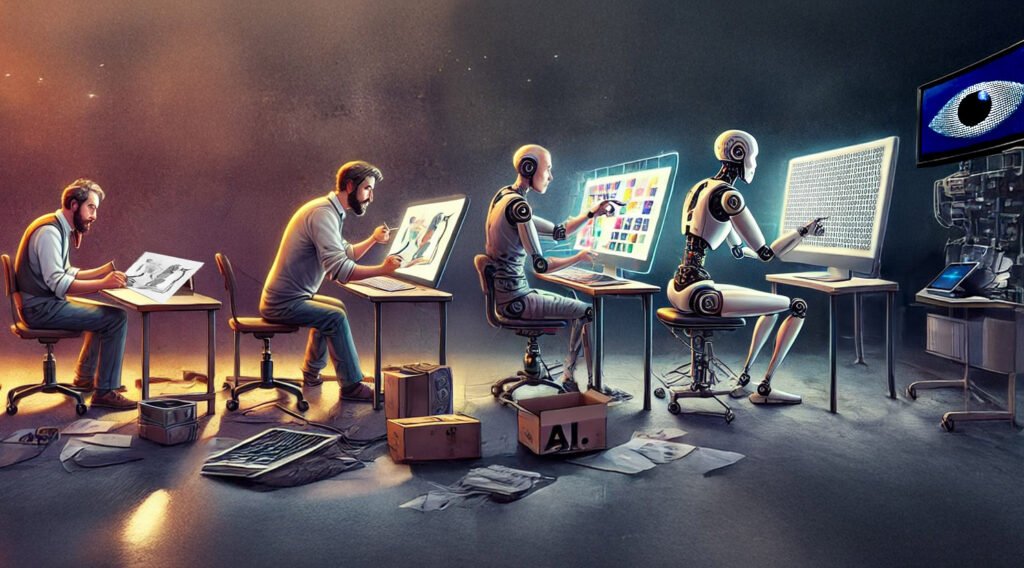
- AI & Prompt Engineering (using tools like ChatGPT effectively)
- UI/UX Design
- Content Writing & Copywriting
Pro Tip: If you’re a complete beginner, start with something creative and quick to show results — like graphic design or short-form video editing. If you enjoy logic and problem-solving, go for coding or data analytics.
Ask yourself:
- What do I enjoy doing?
- What skills can help me earn money faster?
- Which industries interest me (e.g., e-commerce, tech, social media)?
Step 2: Set Up Your Home Learning Environment
You don’t need a perfect setup, but a few basics will make learning smoother:
- A quiet space with good lighting
- A reliable laptop (even a mid-range one works for most skills)
- High-speed internet
- Free tools: Google Workspace, Notion (for notes), and a notebook for quick ideas
- Headphones for video courses
Create a simple daily or weekly schedule. Even 45–60 minutes a day is enough in the beginning. Consistency beats intensity.
Step 3: Use the Best Free and Low-Cost Resources
You have access to world-class learning platforms without leaving home:
Completely Free Platforms:
- freeCodeCamp.org → Excellent for coding and web development (with free certifications)
- Khan Academy → Great for basics and data skills
- YouTube → Channels like Traversy Media (coding), freeCodeCamp, and Simplilearn offer full courses
- Google Digital Garage and HubSpot Academy → Free digital marketing certifications
Affordable & High-Quality Platforms:
- Coursera (many courses are free to audit; certificates are paid)
- edX
- Udemy (courses often go on sale for under $500–1000 PKR)
- LinkedIn Learning (free with many library cards or trials)
For creative skills:
- Canva Design School (free)
- YouTube tutorials for CapCut, DaVinci Resolve (free video editor), and Photoshop basics
Start with beginner-friendly courses that include projects instead of just theory.
Step 4: Follow a Practical Learning Roadmap
Here’s a simple 3-month roadmap you can adapt:
Month 1: Build Foundations
- Learn the core concepts of your chosen skill
- Complete 1–2 structured courses
- Take notes and revise daily
Month 2: Hands-On Practice
- Start small projects. For example:
- Digital Marketing → Create a mock social media campaign for a local business
- Graphic Design → Design 10 posters or social media posts
- Coding → Build a simple personal website or to-do app
- Use free tools and practice every day
Month 3: Build Portfolio & Real Experience
- Create a portfolio (use free platforms like Behance, GitHub, or Carrd)
- Offer your services for free or at low cost to friends, local businesses, or NGOs to gain real feedback
- Join online communities (Reddit, Facebook groups, Discord) to ask questions and network
Step 5: Master Essential Tools & Stay Updated
Every digital skill has key tools. Learn them early:
- Digital Marketing: Google Analytics, Meta Business Suite, Canva, Mailchimp
- Design: Canva (beginner), Adobe Creative Cloud (advanced)
- Video Editing: CapCut (free & powerful), Adobe Premiere Pro
- Coding: VS Code (free editor), GitHub
- AI Tools: ChatGPT, Claude, Midjourney (for images), Descript (for video)
Follow industry blogs, YouTube channels, and newsletters to stay current. Technologies change fast — especially with AI advancing every month.
Step 6: Turn Your Skills into Income
Once you’re comfortable:
- Create a simple portfolio website
- Join freelancing platforms (Fiverr, Upwork, Freelancer)
- Offer services on local Facebook groups or LinkedIn
- Start a YouTube channel, blog, or Instagram page to showcase your work
Many people start earning within 3–6 months of consistent learning. Beginners can charge for basic gigs (logo design, social media posts, simple websites) and gradually increase rates.
Common Challenges & How to Overcome Them
- Feeling overwhelmed → Focus on one skill only. Break learning into small daily tasks.
- Procrastination → Use the “2-minute rule” — just start for 2 minutes and momentum will build.
- Stuck on technical issues → Search YouTube or ask in communities. AI tools like ChatGPT can explain errors clearly.
- No motivation → Join accountability groups or track your progress visibly.
Remember: Every expert was once a beginner who didn’t give up.
Final Thoughts
Learning digital skills from home in 2026 is one of the smartest investments you can make in yourself. It gives you freedom, higher earning potential, and the ability to work from anywhere.
Start small, stay consistent, and focus on building real projects instead of just collecting certificates. The internet has removed almost all barriers — now it’s up to you to take action.
Pick one skill today, open your first course, and take the first step. In a few months, you’ll be amazed at how much you’ve grown.
Ready to begin?
Comment below: Which digital skill are you most excited to learn first?
Share this guide with anyone who wants to upgrade their skills from home.